

Removing a Saved Credit Card
Published:
On the JPay home page, on the Navigation menu, click My Account.
- On the My Account menu, click Payment Methods.
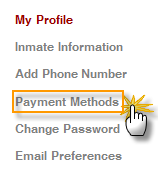
- Click Delete for the credit card you want to delete. In the pop-up window, click OK.
By Aventiv Technologies | | Type: Help Article